Introducing Procedures: Structured Conversation Scripts

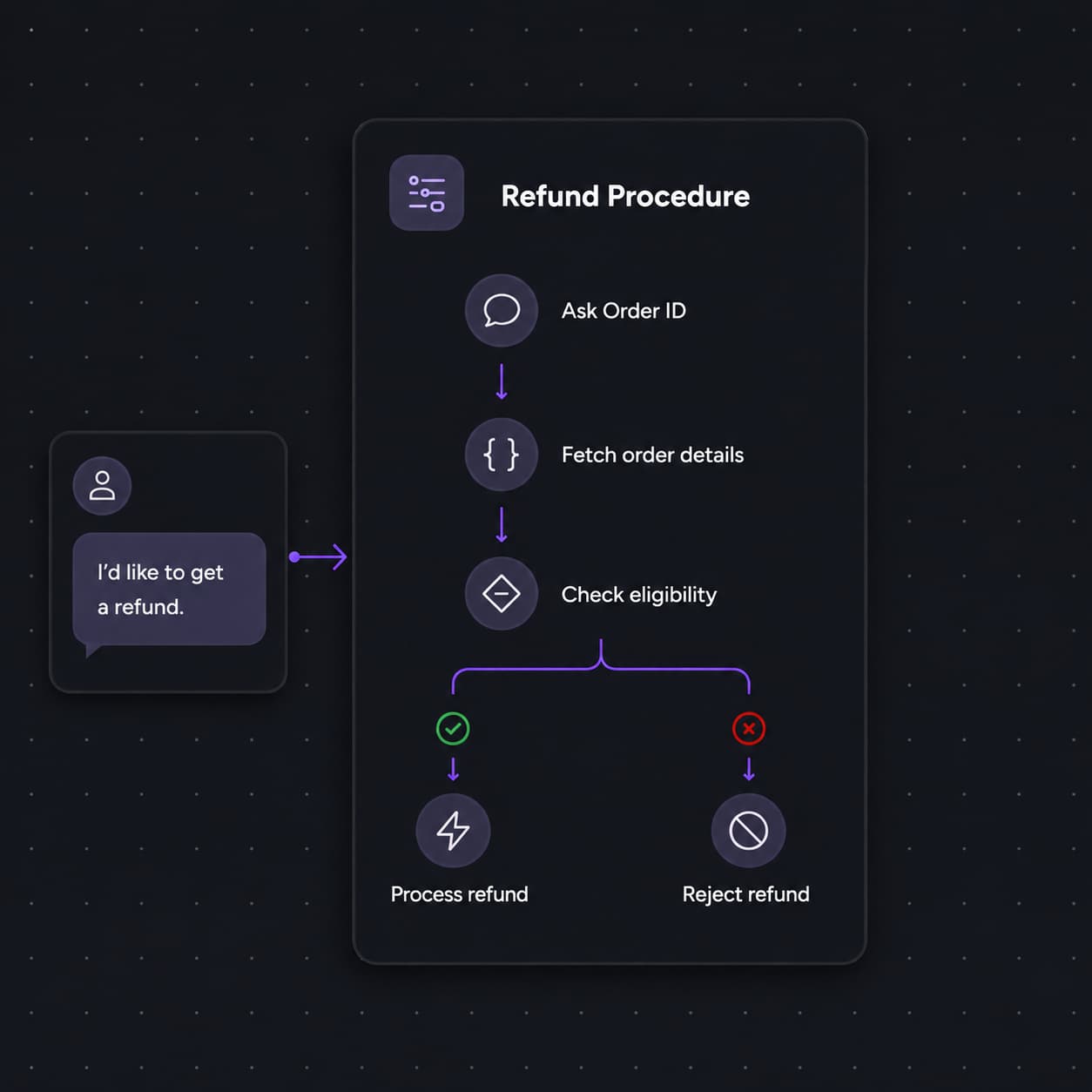
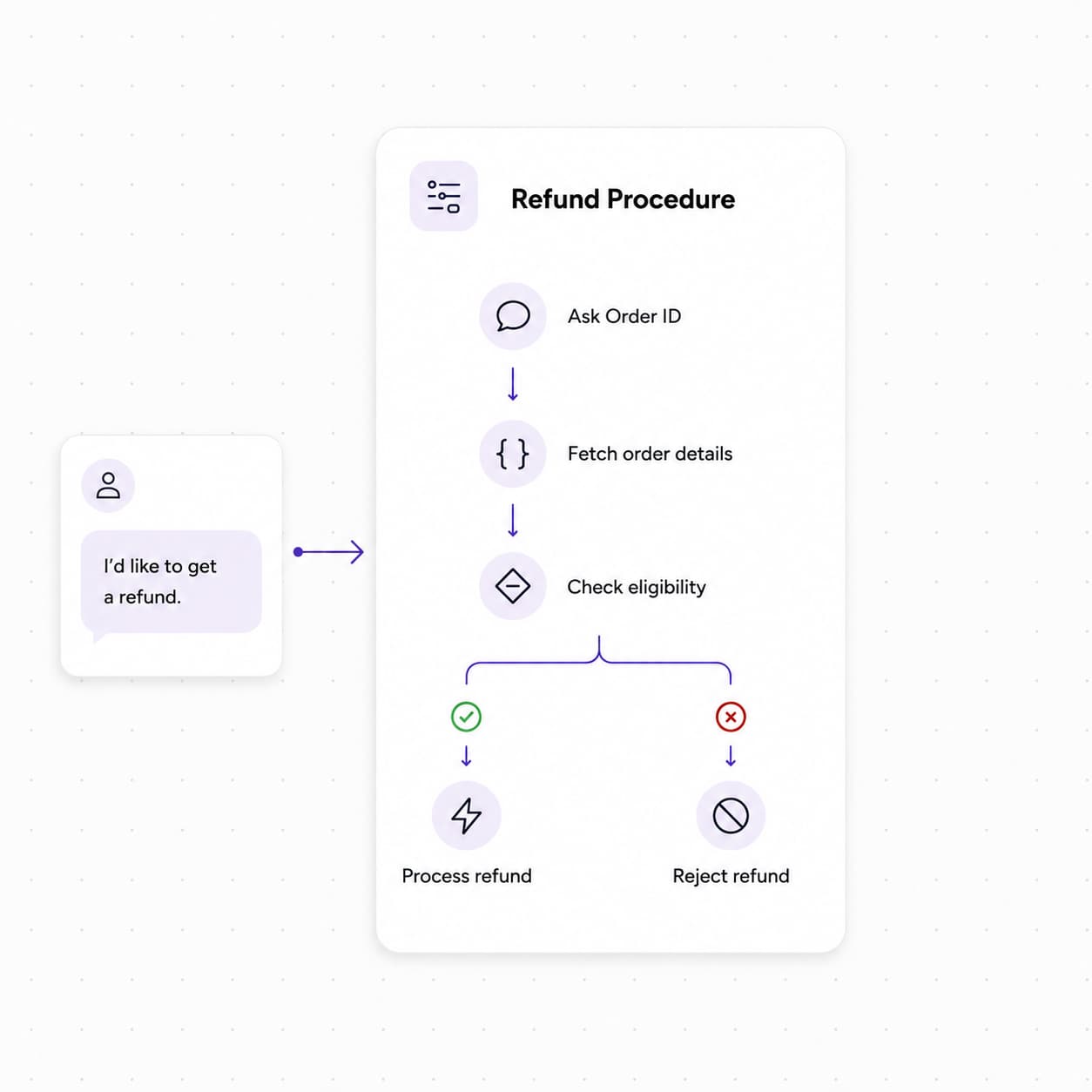
We've shipped Procedures, a new way to build reusable, multi-step conversation scripts and attach them to your AI agents. Design structured call flows on a visual canvas — from guided data collection to tool calls and transfers — then deploy them with full version control and flexible trigger conditions.
With Procedures, you can now:
- Design on a visual canvas: Build conversation scripts using specialized nodes — Conversation, Extract Variable, Logic Split, Tool Call, Transfer Call, Text-to-Speech, Press Digit, and End Call — and connect them with transitions that are unconditional, LLM-evaluated, or expression-based.
- Create, version, and publish with confidence: Draft procedures, iterate through versions, and publish when ready. Clone existing procedures to reuse proven scripts across agents or teams without starting from scratch.
- Attach procedures to any agent: Once published, link one or more procedures to an agent and configure when each should trigger — using natural-language conditions or code expressions — so the right script runs at the right moment in a conversation.
- Automate structured workflows live on calls: Handle refunds, onboarding steps, compliance checks, account changes, and other SOP-driven tasks with scripts that execute step-by-step during the conversation, keeping your agents consistent and on-brand.
To get started, open the Procedures section in your sidebar to create your first procedure. When you're ready to deploy, publish it and link it to an agent from the Agent Details page.
