Voice Preview

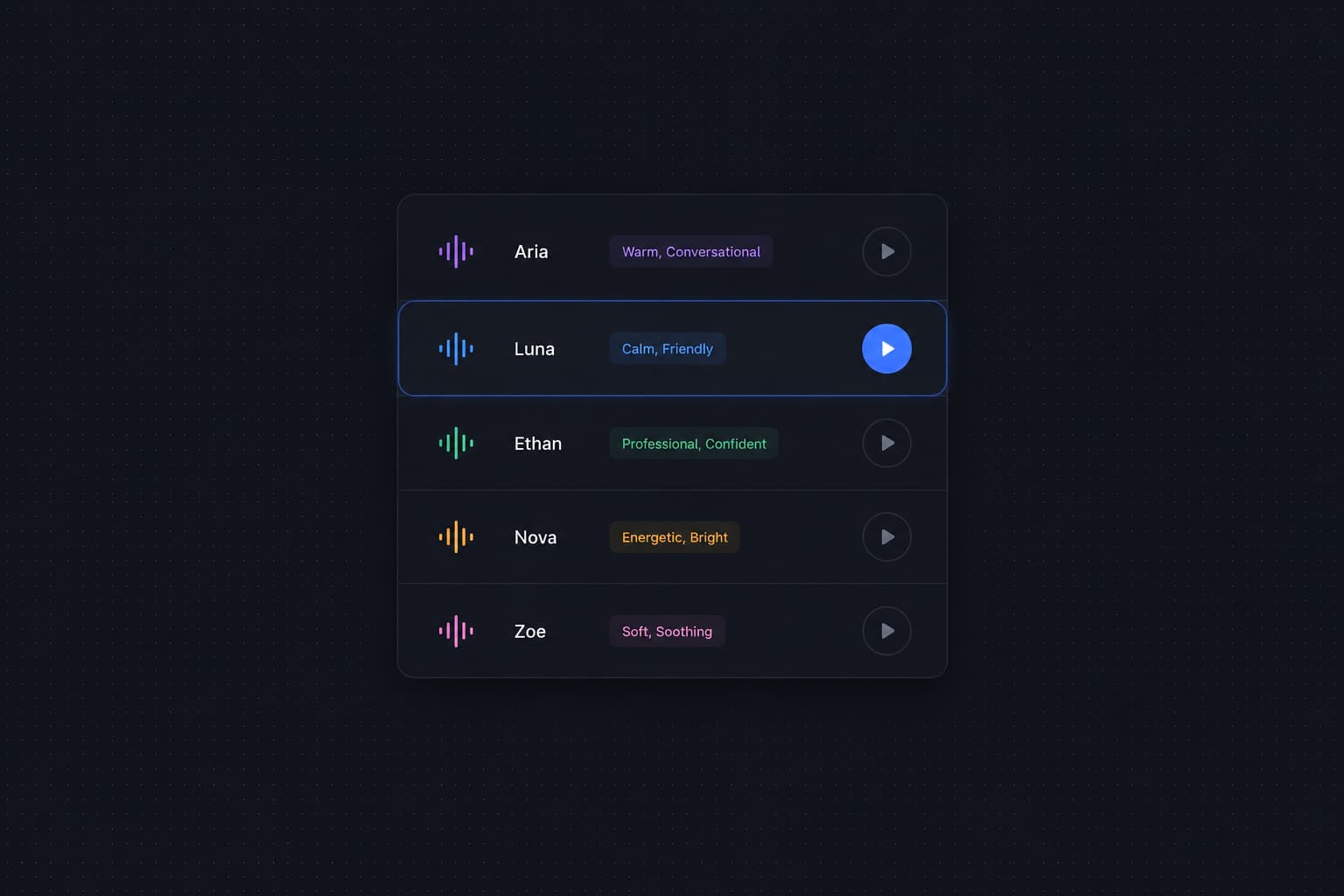
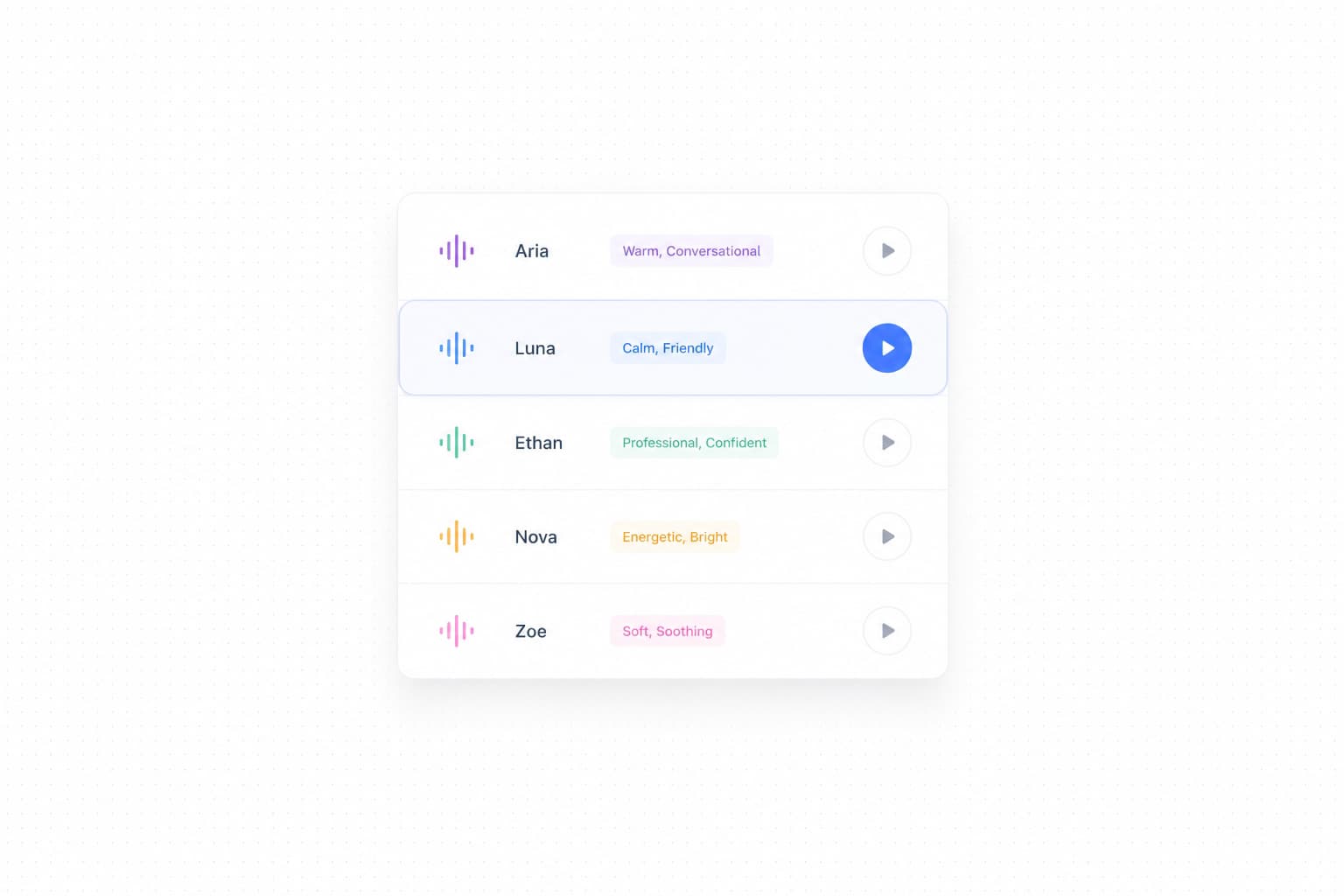
We've shipped Voice Preview, letting you audition any voice before assigning it to your AI agent. No more guessing how a voice sounds from its name alone — just hover and play.
With Voice Preview, you can now:
- Hear before you commit: Hover over any voice in the selection dropdown to reveal a play button. Click it to instantly hear a sample of that voice, so you always know exactly what your customers will experience.
- Compare voices side by side: Quickly cycle through multiple voices in one sitting — no need to save, deploy, and test just to evaluate a new voice.
- Pick the right tone with confidence: Whether you're looking for a warm, conversational tone or a crisp, professional one, previewing voices upfront makes the decision easy and intentional.
To try it, go to Agents → Advanced Settings, scroll to the Speech Synthesis section, and open the voice selection dropdown. Hover over any voice to see the play button.
