Tool Authentication

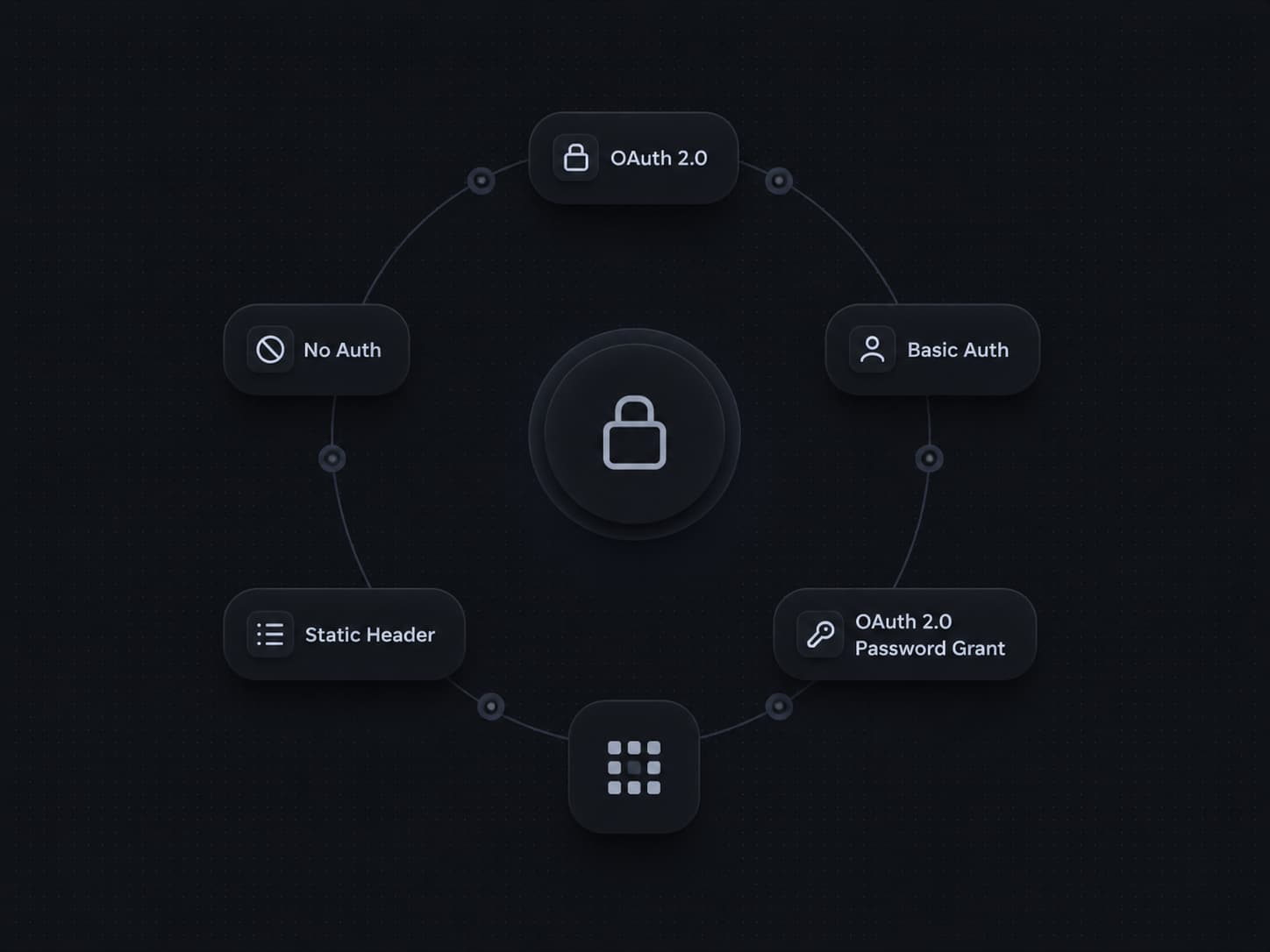
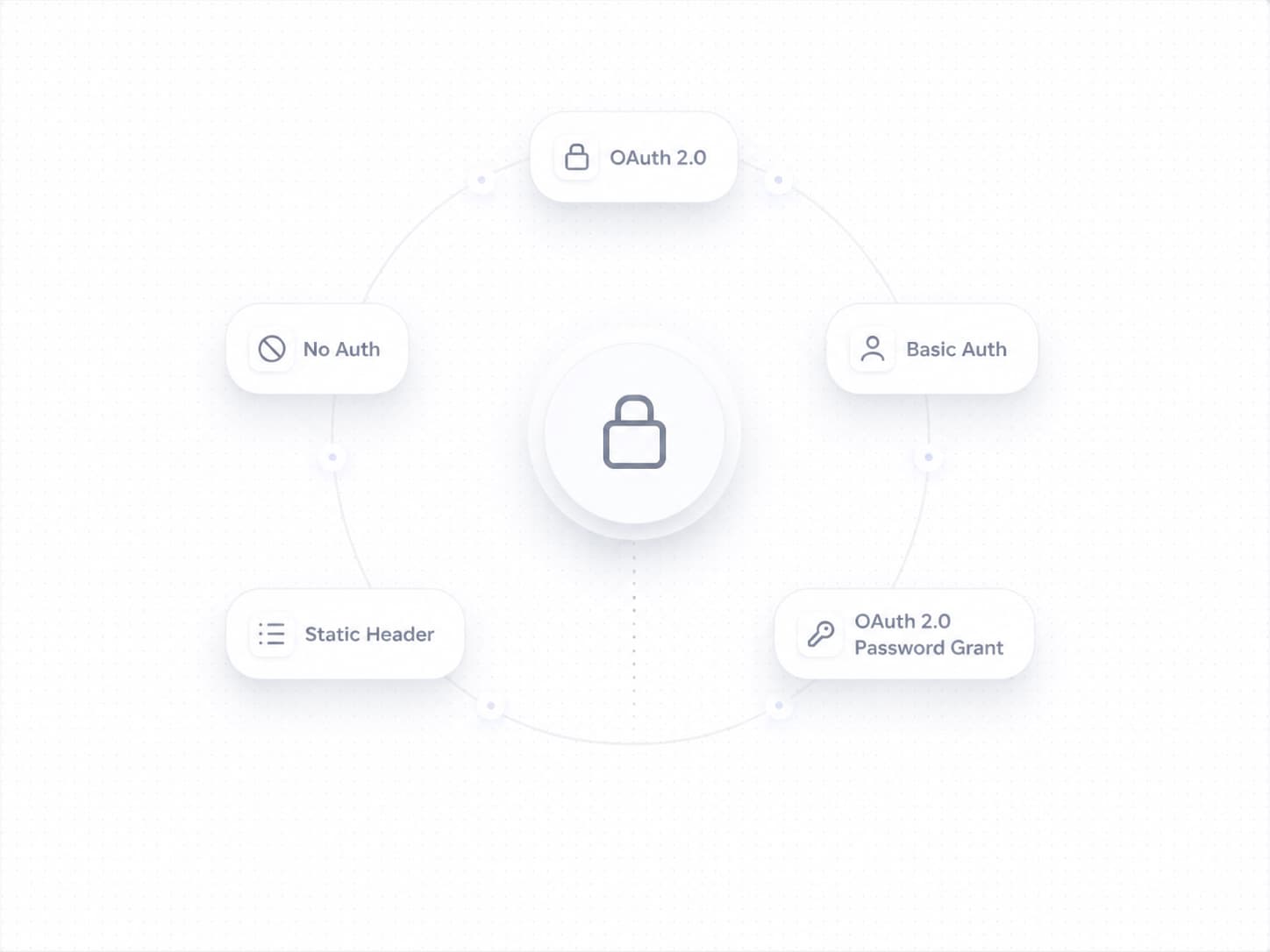
We've shipped Tool Authentication, giving you full control over how your tools connect to external APIs. Set up secure, credential-backed connections directly in the platform — no custom code required.
With Tool Authentication, you can now:
- Choose the right auth method for every API: Pick from five authentication types — None, Static Header, Basic Auth, OAuth 2.0 (Auth Code), and OAuth 2.0 (Password Grant) — so every tool connects exactly the way the external service expects.
- Connect to OAuth-protected services like Salesforce: Configure a token endpoint URL, client ID, client secret, username, password, security token, and scopes — all from a single panel. Credentials are encrypted at rest.
- Keep secrets safe: Sensitive fields like client secrets and passwords are stored securely and never exposed after saving.
- Fine-tune with advanced options: Expand the Advanced Options section to handle edge cases specific to your API provider.
To get started, go to Tools from the left navigation, open or create a tool, and click Configure Authentication to set up your credentials.
