Transliteration Node in Flows

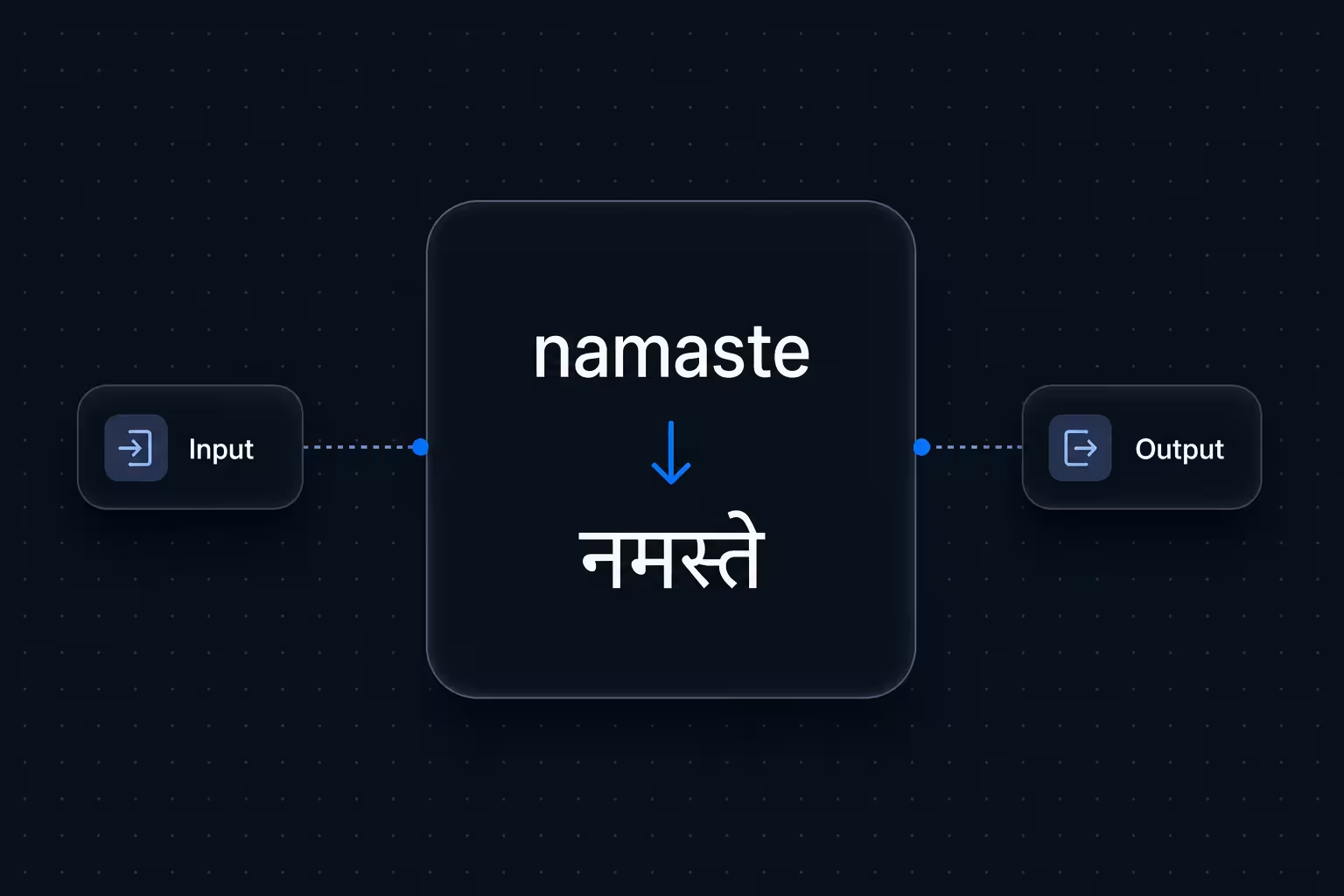
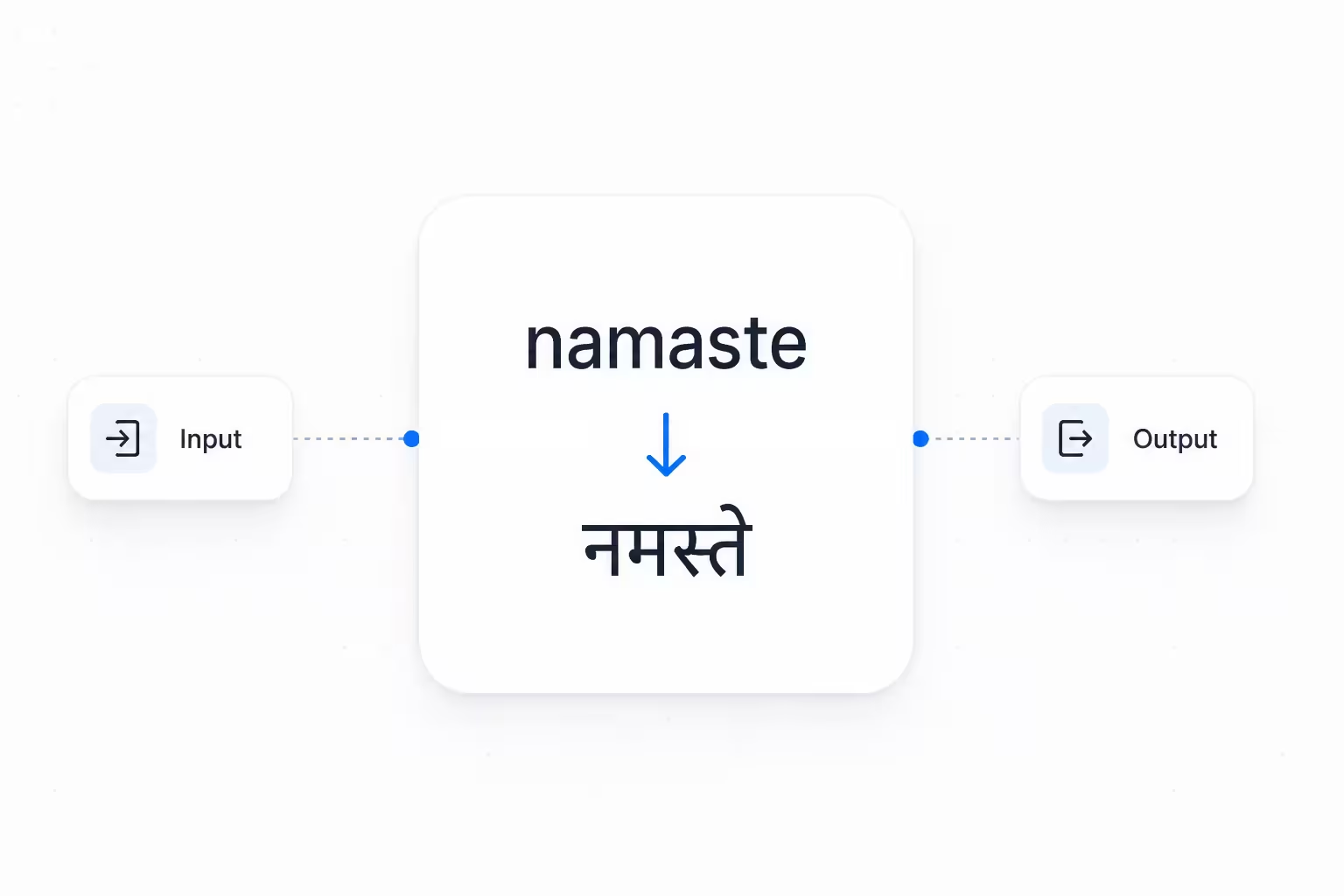
We've added a Transliteration utility node to Flows, so you can convert text between writing scripts mid-call — for example, Latin-script Hindi ("namaste") to Devanagari ("नमस्ते").
With the Transliteration node, you can now:
- Bridge script mismatches in real time: When caller input arrives in one script but your TTS or CRM expects another, transliterate it on the fly — no custom code or external API needed.
- Configure source and target languages: Set the input and output languages directly in the node settings, so each flow handles exactly the script pair it needs.
- Pass results to downstream nodes: The transliterated output is stored in a flow variable, ready for TTS nodes, CRM lookups, webhook payloads, or any step that follows.
- Handle edge cases gracefully: Success and Error output handles let your flow branch cleanly when transliteration succeeds or fails — keeping calls on track instead of breaking silently.
To get started, open any flow in the Flows editor, add a Transliteration node from the utility panel, and connect its output to the step that needs the converted text.
